By default bookitLive displays your resources in alphanumeric order of your calendar page. The Resource order can be changed and set from the Configuration > Resource page
- Goto Configuration > Resources (The name of this page can change if terminology has be set)
- From the bottom of the page select Adjust Display Order
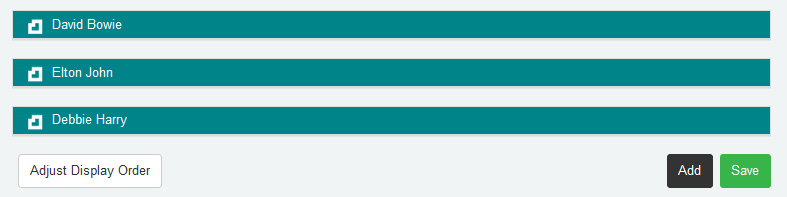
- Move the Resources listed by selecting and dragging with your mouse to get the sort order you want
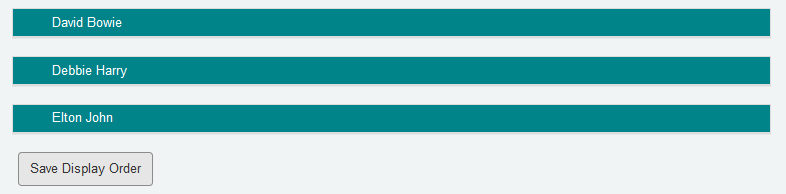
- Select Save Display Order to save the order
Note: The Display Order can only be adjusted on a PC or Mac as a Mouse is required to reorder the Resources. A touchscreen device cannot use this functionality.
Was this article helpful?
That’s Great!
Thank you for your feedback
Sorry! We couldn't be helpful
Thank you for your feedback
Feedback sent
We appreciate your effort and will try to fix the article