A user can change their own email address form their profile page.
- Login with existing email address and password.
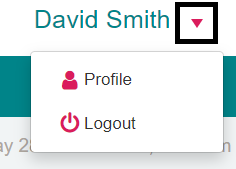
- Open your user menu and select Profile
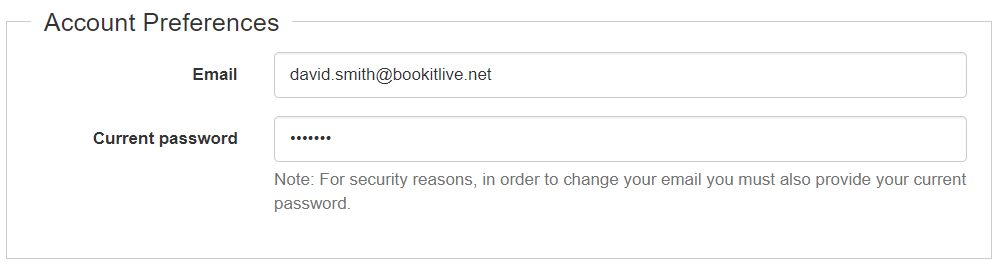
- Enter a new email address

- Enter your password
- At the bottom of the page select Save
Was this article helpful?
That’s Great!
Thank you for your feedback
Sorry! We couldn't be helpful
Thank you for your feedback
Feedback sent
We appreciate your effort and will try to fix the article