Bookings can be cancelled from the booking list on the Dashboard.
Cancelling a Booking from the Dashboard
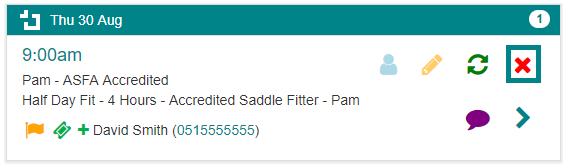
- Find the Booking you want to cancel on the future booking list on the Dashboard.
- Select the "Cancel Booking" icon (
 ) next to the Booking.
 - The booking details will appear in a "Cancel Booking" popup.
- If the Booking is a Group Booking, select the specific Client whose bookings you want to cancel.
- Select who to notify regarding this cancellation or leave the default setting to notify All.
- Select Save.