The Client (customer) booking process varies depending on the booking requirements of the business:
- A Client booking could be for an individual or for multiple people
- The business requires additional questions to be asked during booking
- A card payment is required
- The Client uses a voucher code instead of a card payment
The booking process normally commences from a businesses website, where the Client is directed to the Public Booking page or to a specific Service to book:
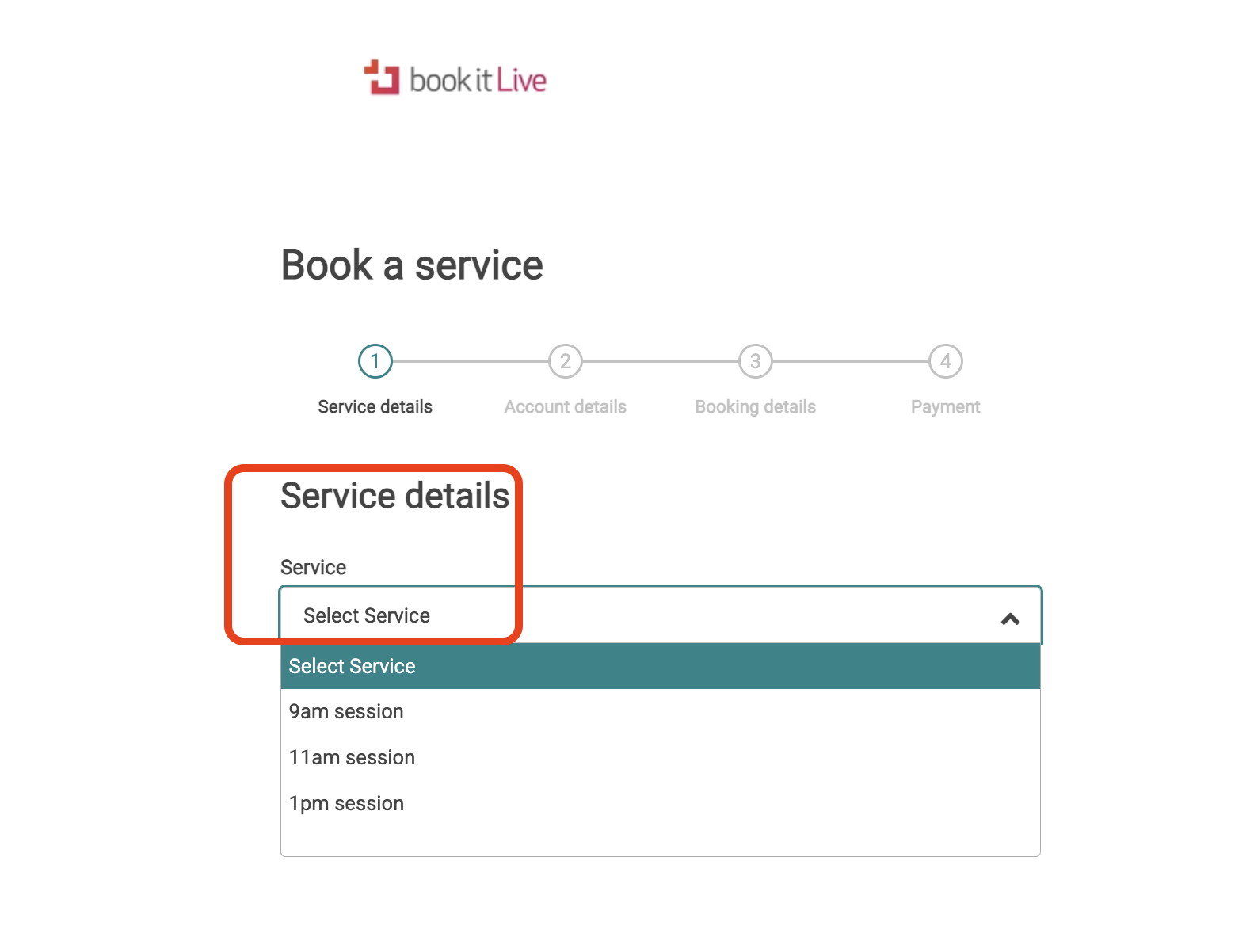
- Select the Service you want to book.
- Select the Resource that you would like to have conduct the Service for you.
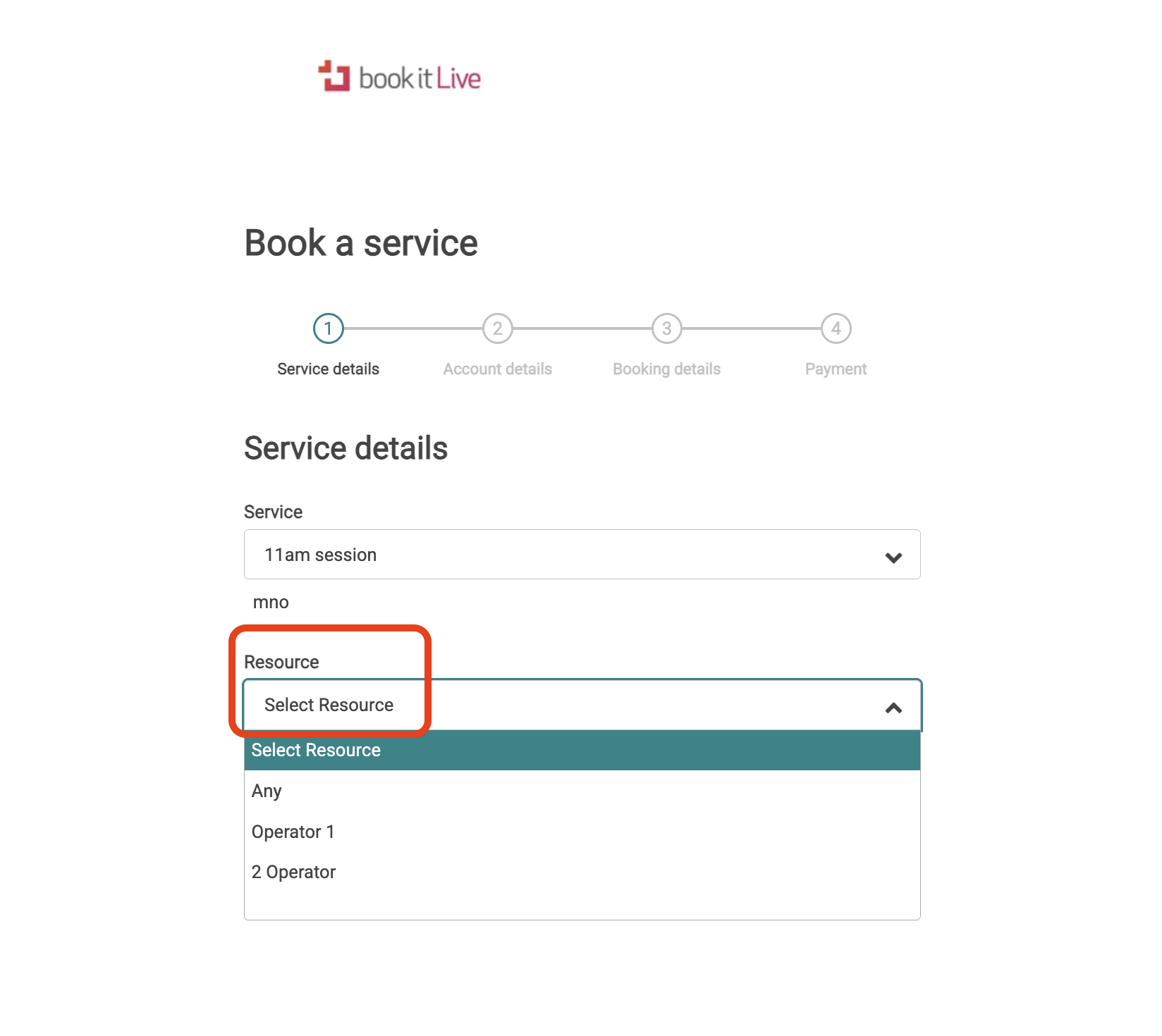
- This step is dependent on multiple Resources performing the service that was selected above. If there is only one Resource who facilitates the selected Service, this step is not required).
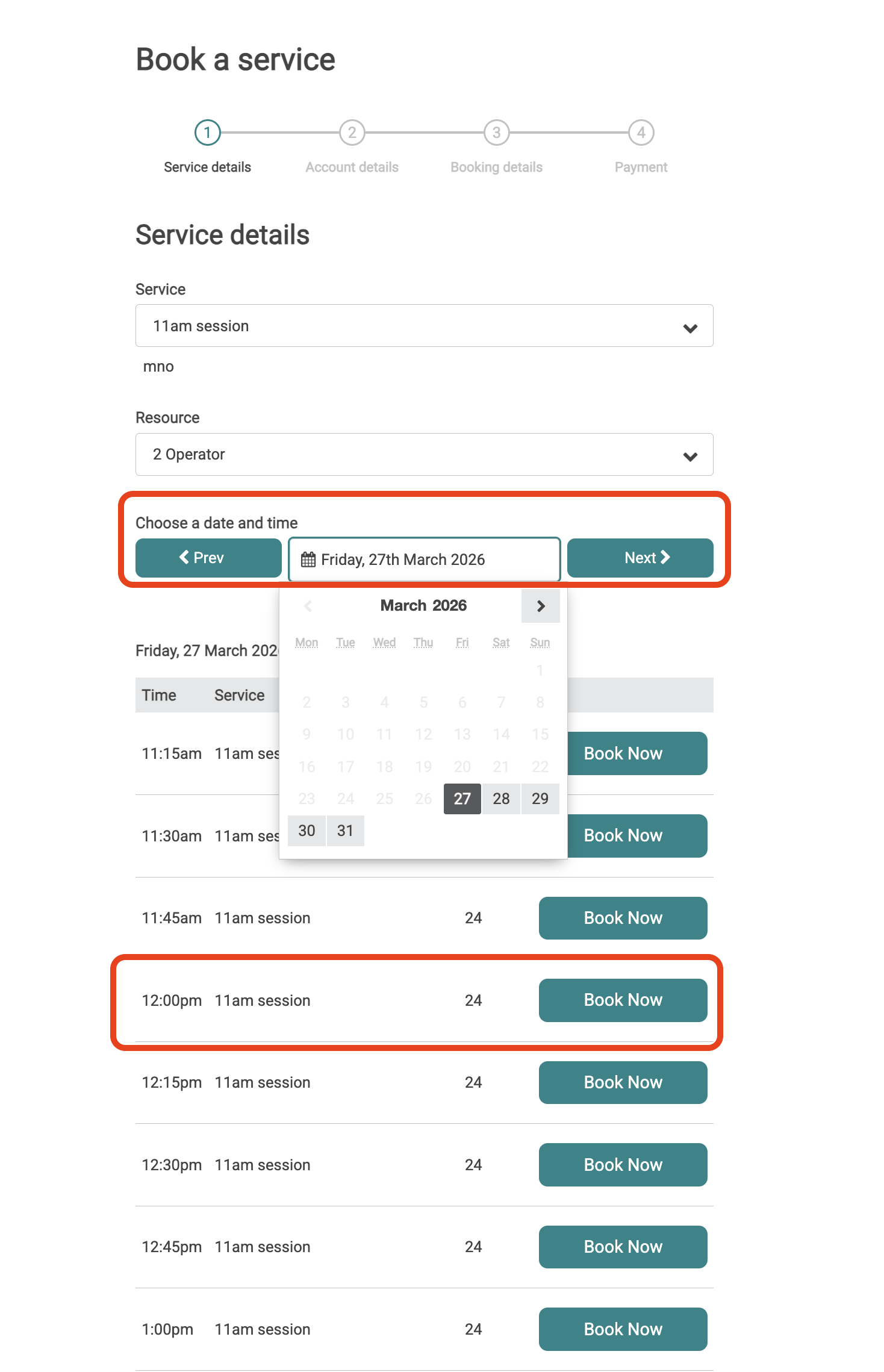
- View the Session Timeslots that are available for the specified Service and Resource. Use the Date Picker Tool to navigate to different dates and select a time for the chosen date by clicking the "Book Now" button.
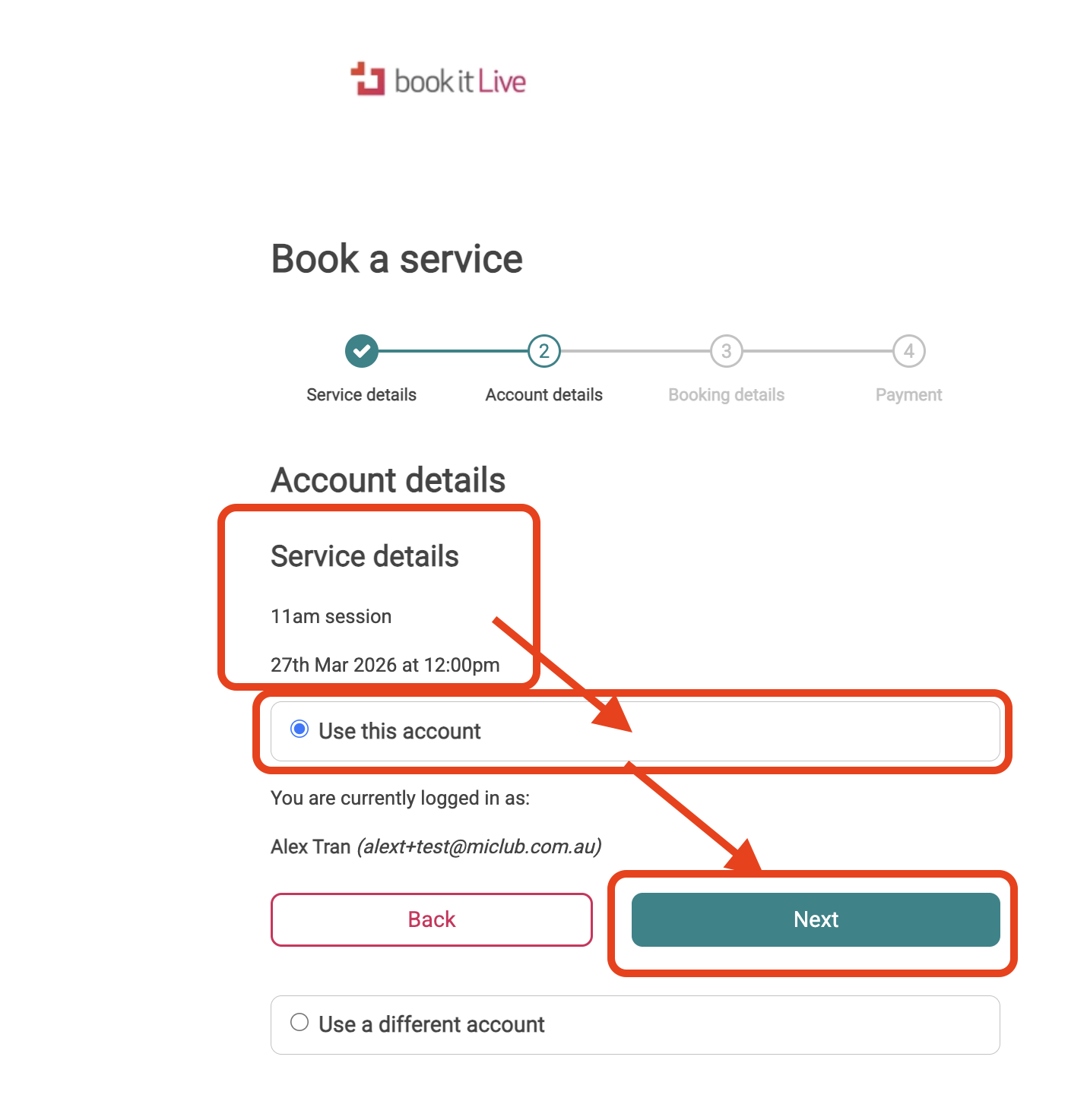
- Confirm the account and linked details that you want to make the booking for. A booking confirmation email will be sent to this email address once the booking is completed.
- View the Booking Details and add any Notes that you would like to leave for the Business and Resource that you are making a booking with.
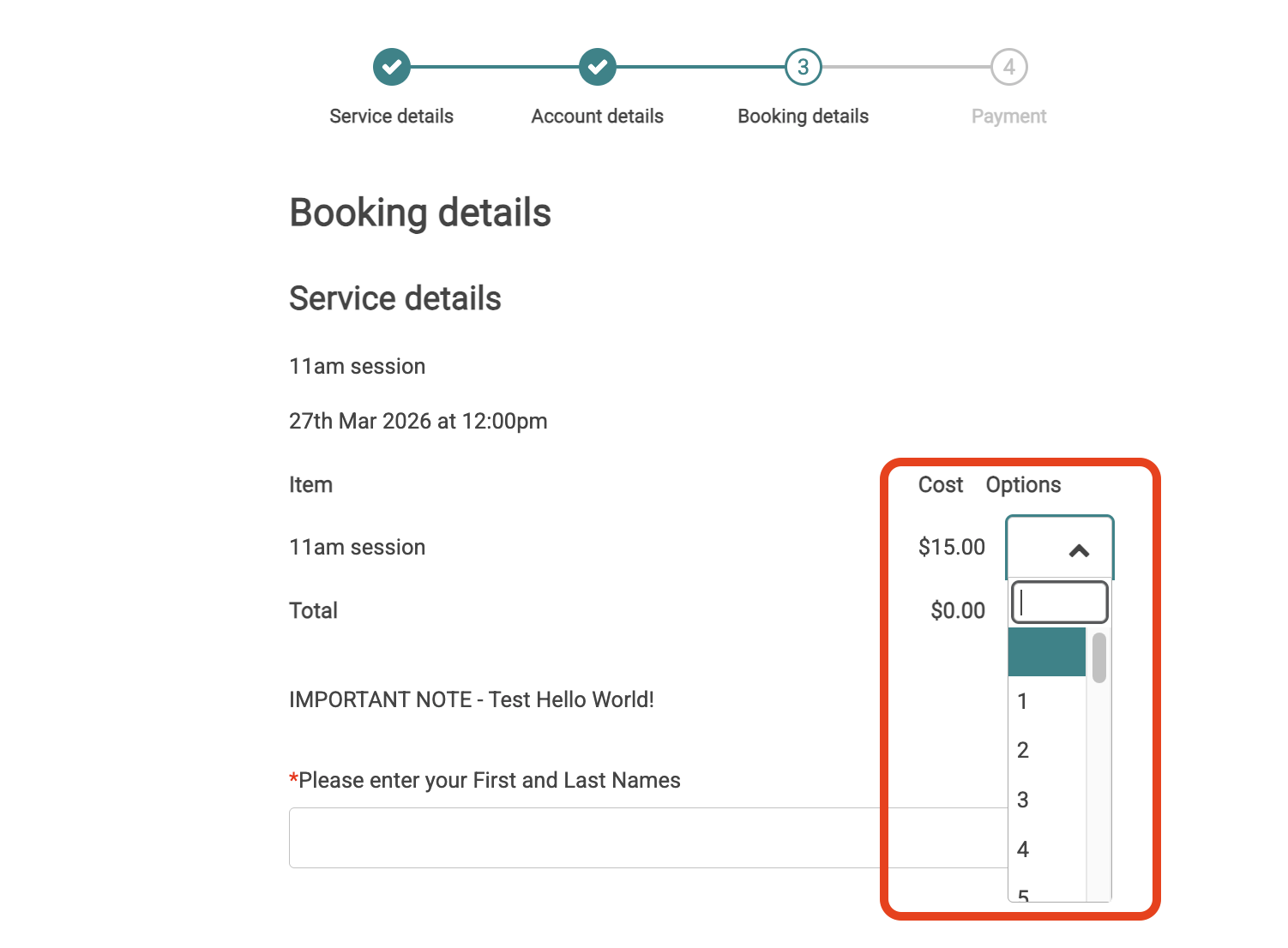
- If a business has a custom Form added for this service, the client needs to fill in the Form before they can proceed to the next booking step.
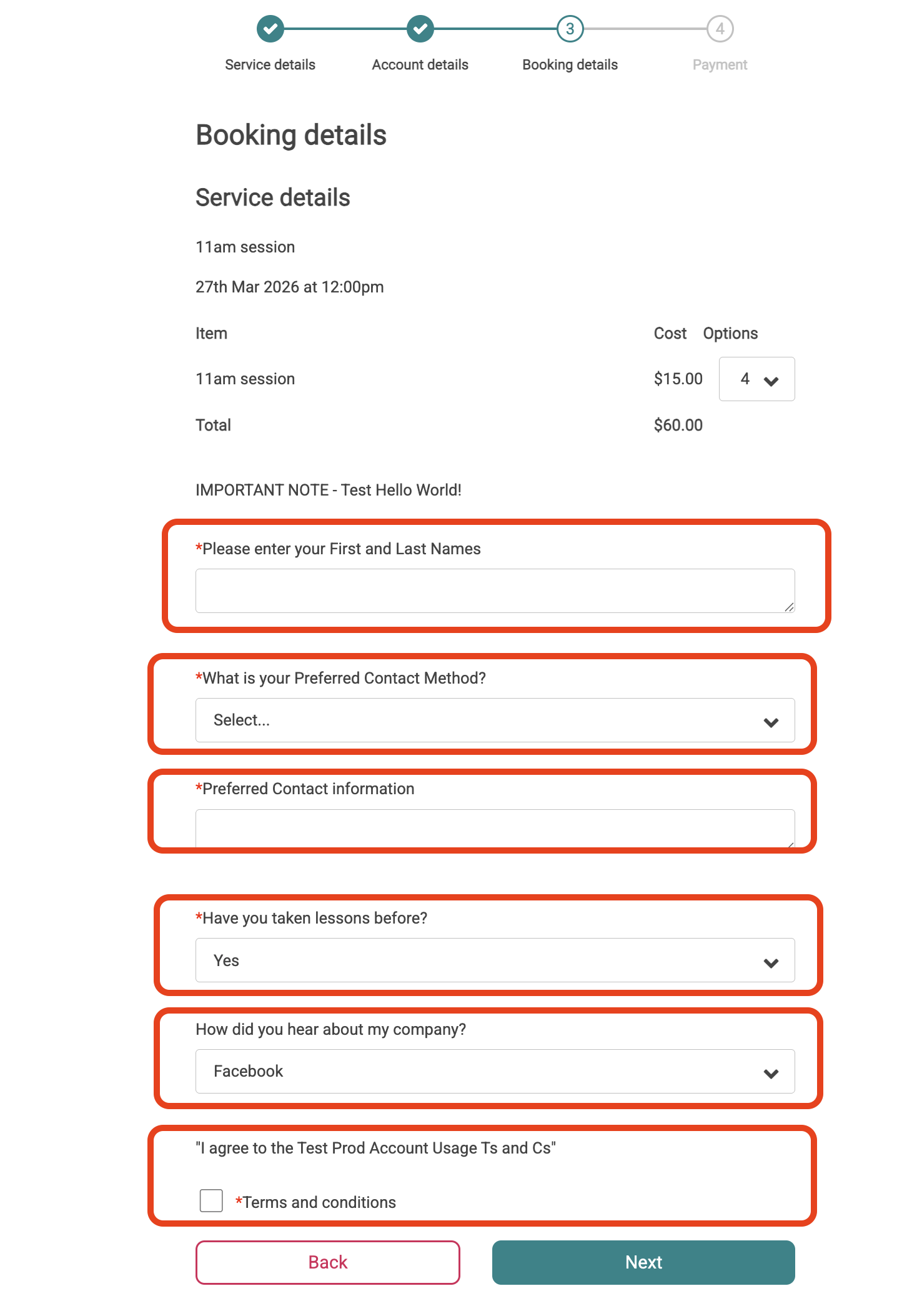
- If a business has a custom Form added for this service, the client needs to fill in the Form before they can proceed to the next booking step.
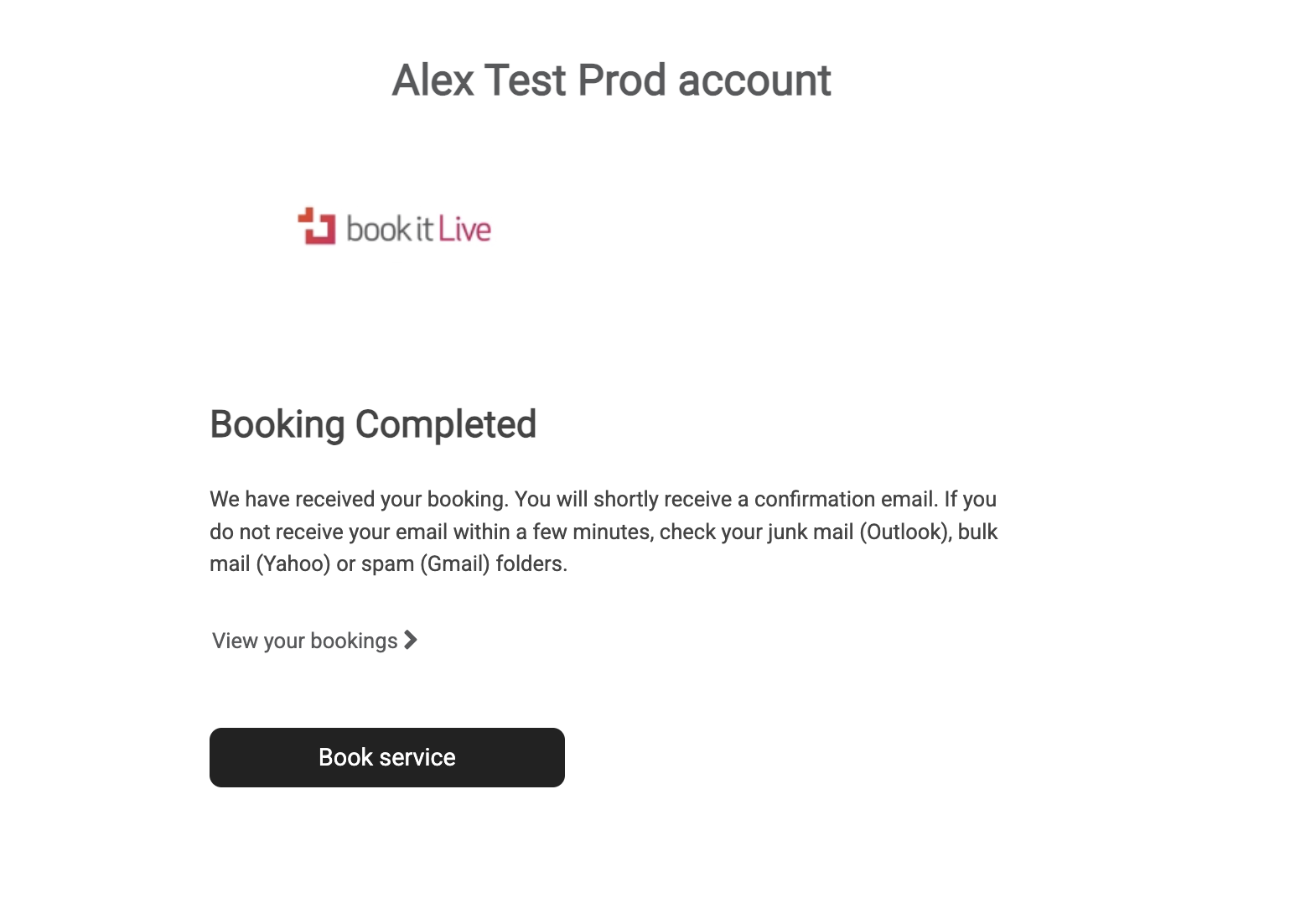
- The booking is now complete at this point if no payment is required
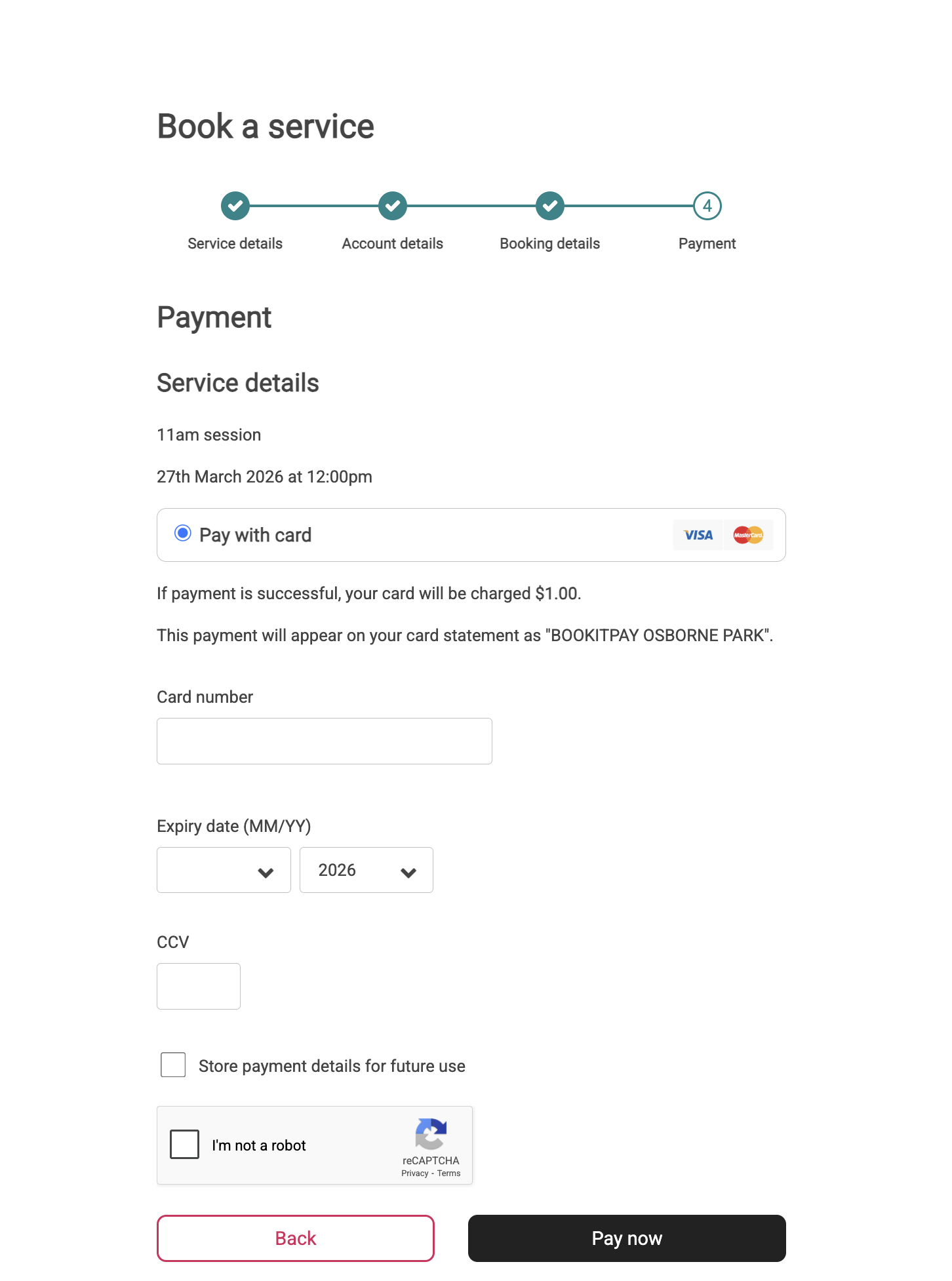
- If Payment is required, enter your card details and/or a voucher code to complete the booking.
- Card Payment
- Voucher Payment
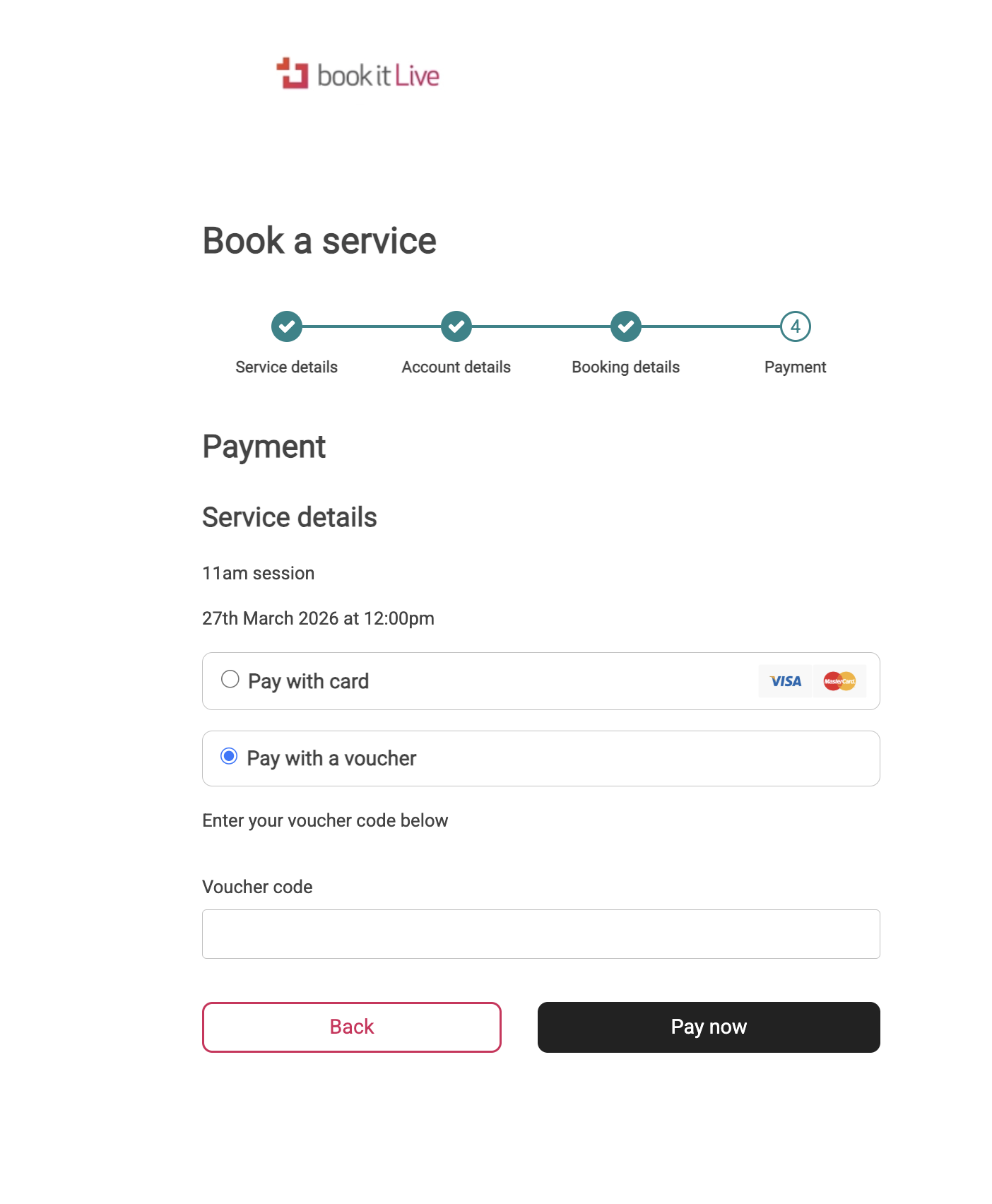
- Card Payment
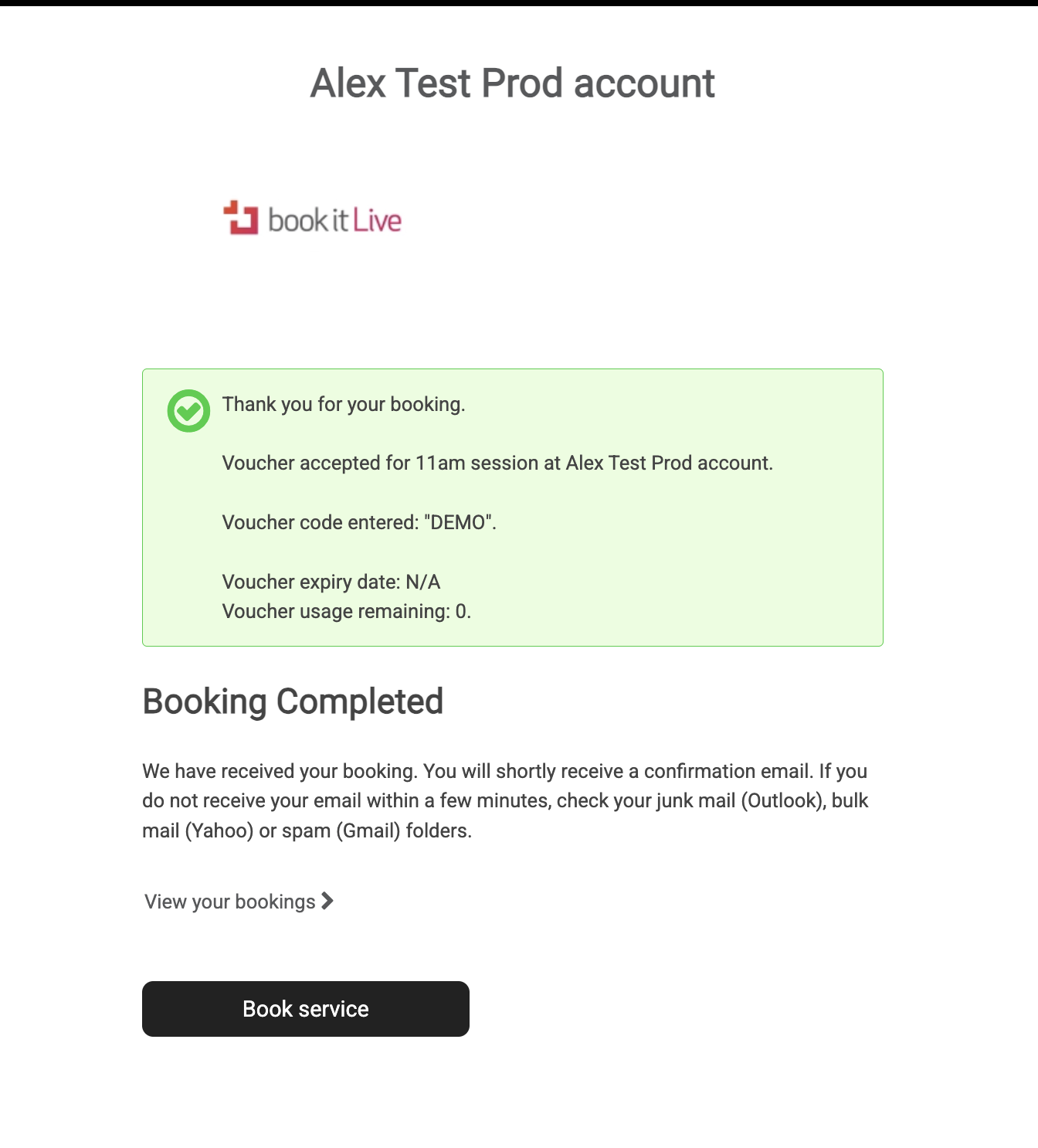
- At the completion of the booking the client is sent a Booking Confirmation (if card payment or voucher was used the payment/voucher details are included in the booking confirmation). The booking confirmation can be an email and or a SMS.
- End.
Was this article helpful?
That’s Great!
Thank you for your feedback
Sorry! We couldn't be helpful
Thank you for your feedback
Feedback sent
We appreciate your effort and will try to fix the article