bookitLive has a number of different Dashboards for Clients (customers), Providers (business owners), staff (business employees) and manager (business managers) to use to manage bookings.
All Dashboards are accessed by logging on from the bookitLive home page. The Dashboard that is displayed is dependent on your access level.
Login to your bookitLive Dashboard from a desktop or tablet device
- Using your browser go to https://bookitlive.net.
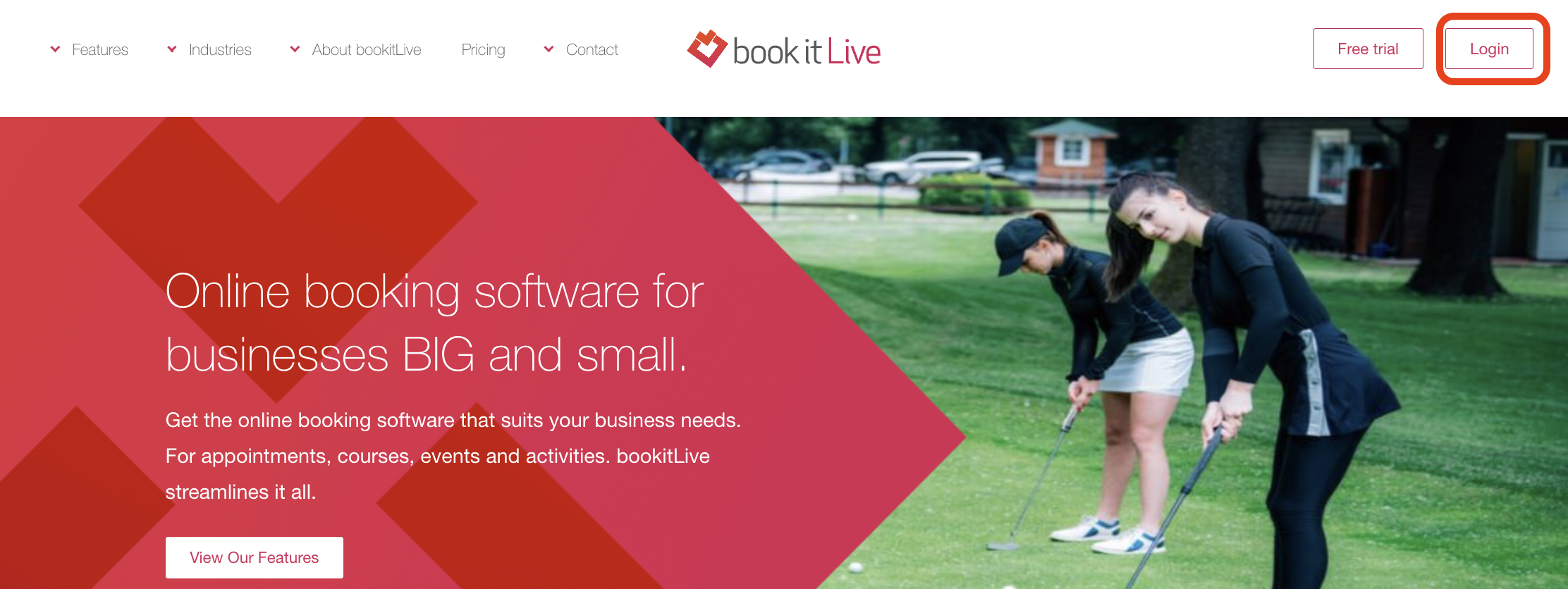
- From the top right of the page select the Login button.
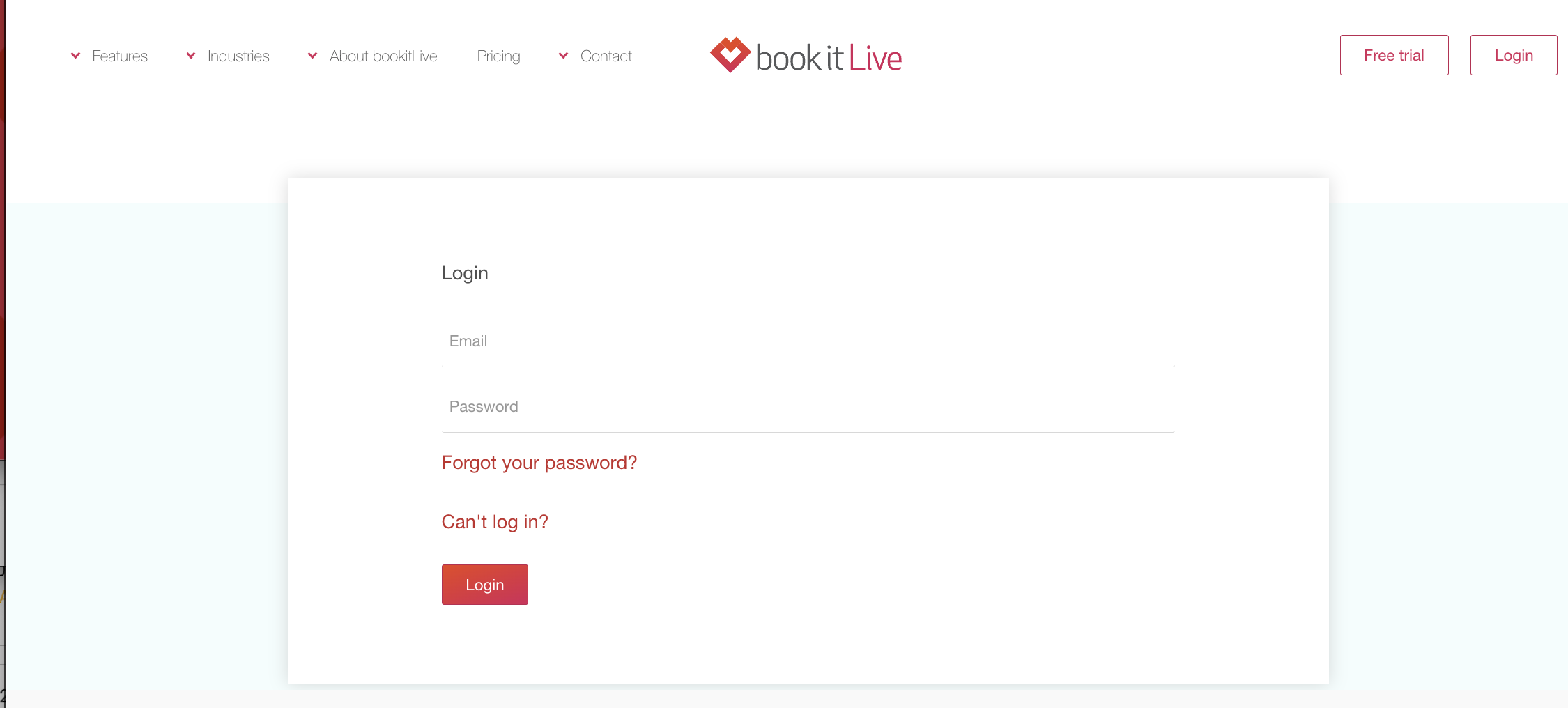
- Login using your email and password (passwords are case sensitive)
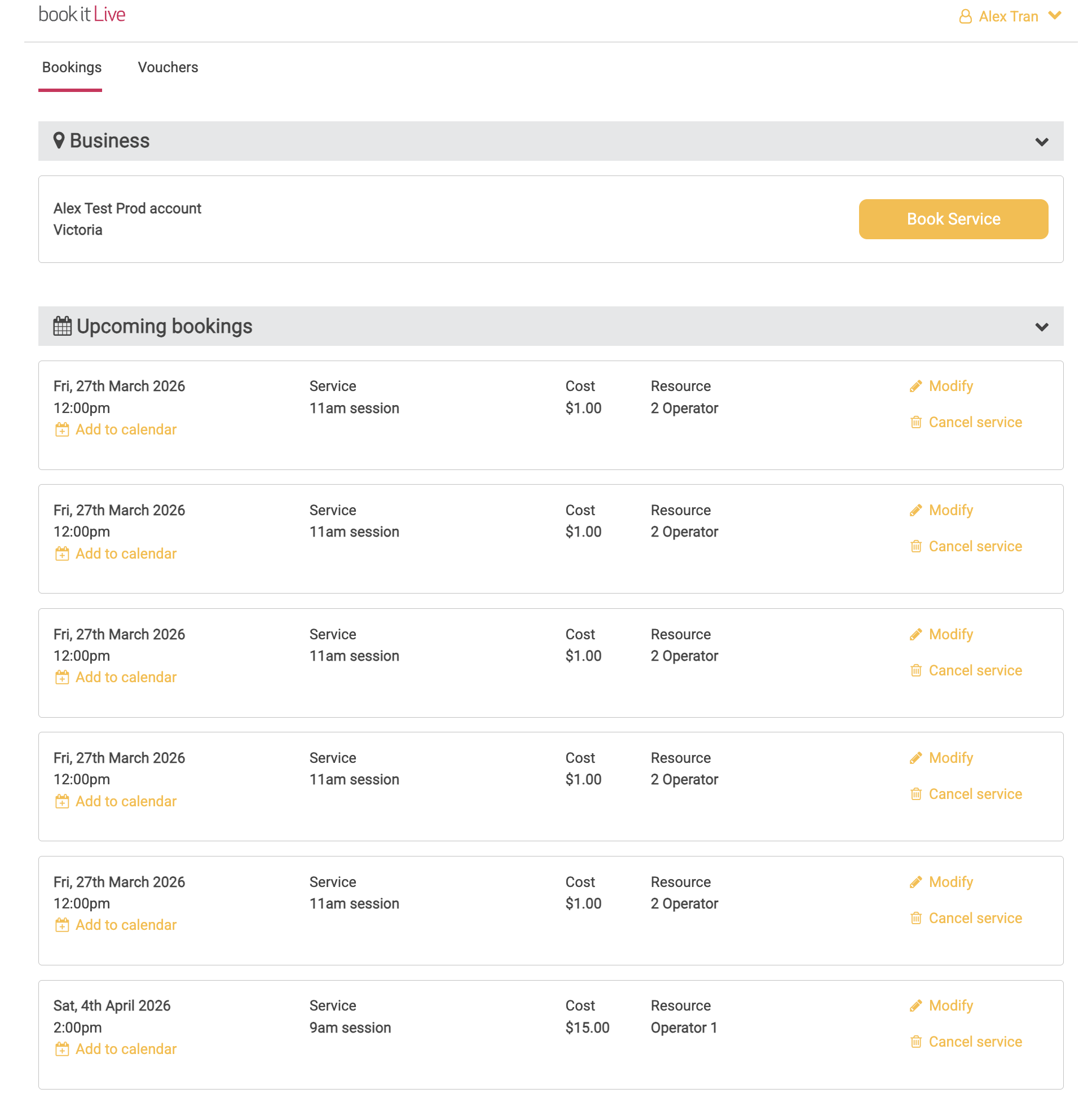
- Your Client Dashboard will be displayed.
Login to your bookitLive Dashboard from a mobile device
- Using your browser go to https://bookitlive.net.
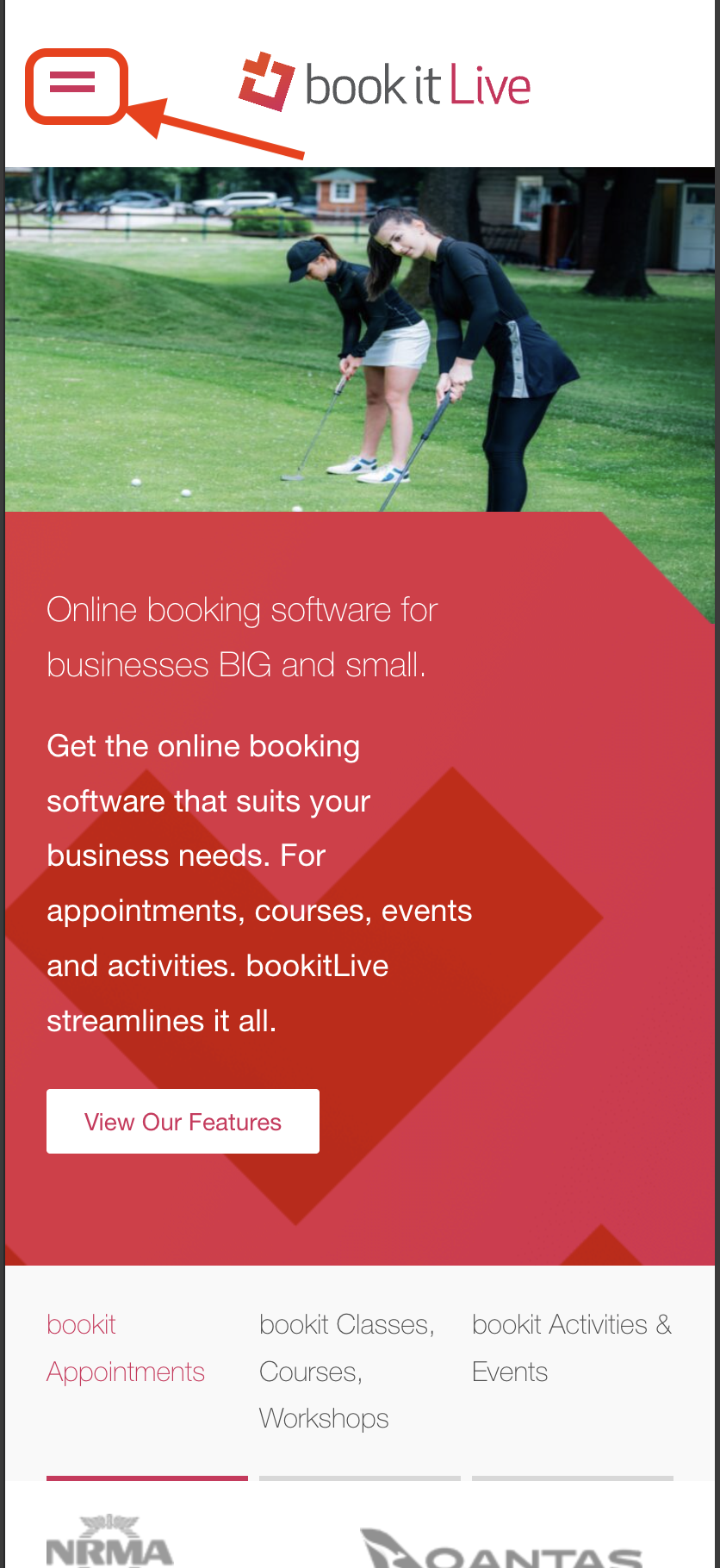
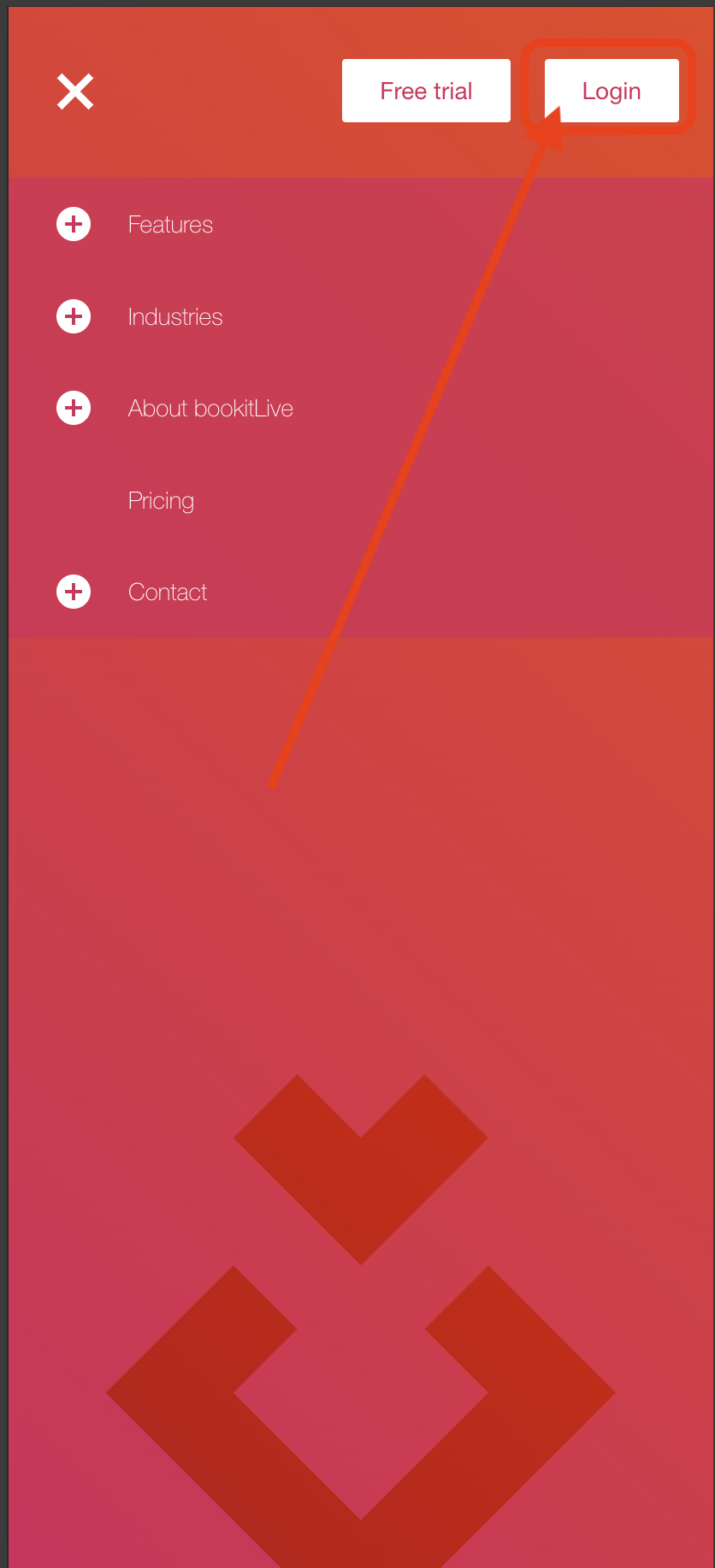
- Open the top left menu and select the Login button.
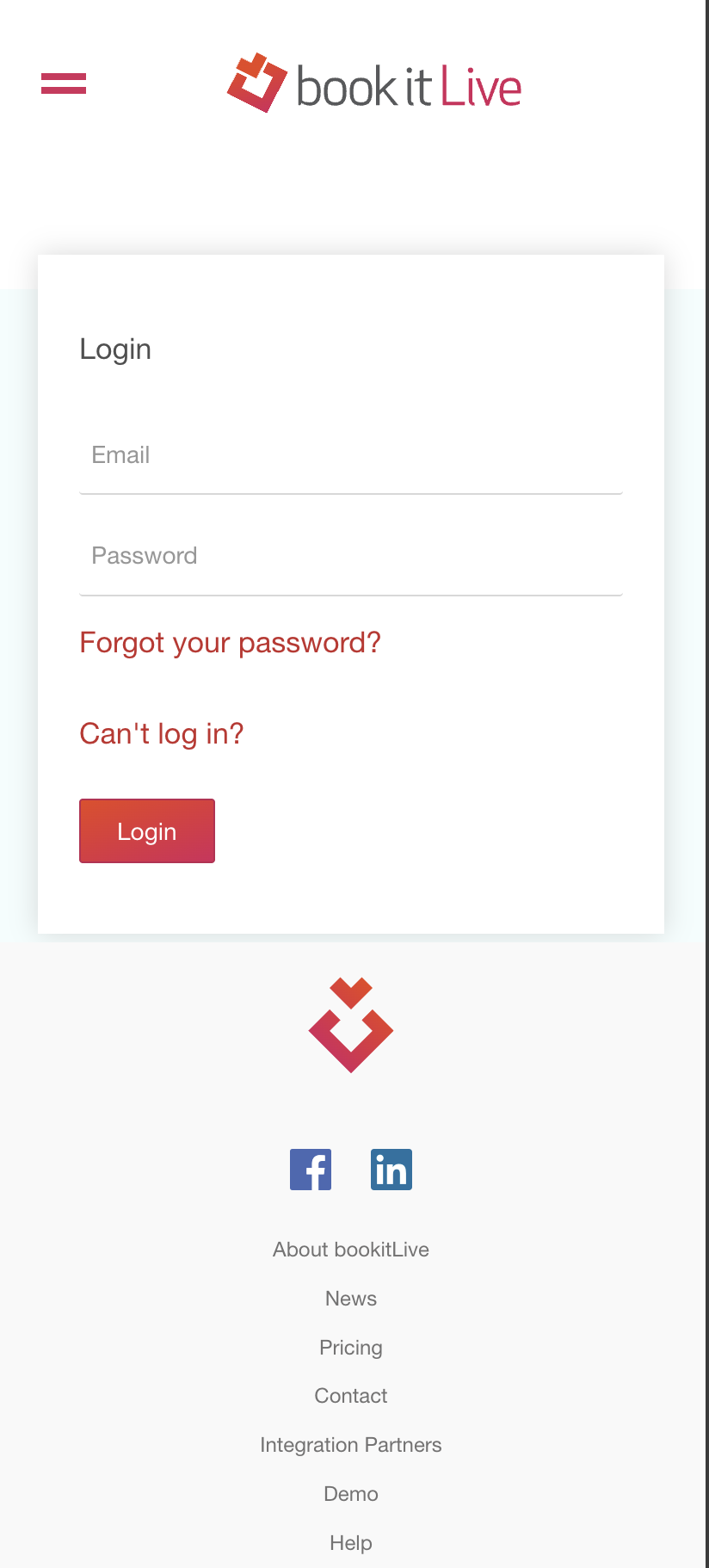
- Login using your email and password (passwords are case sensitive).
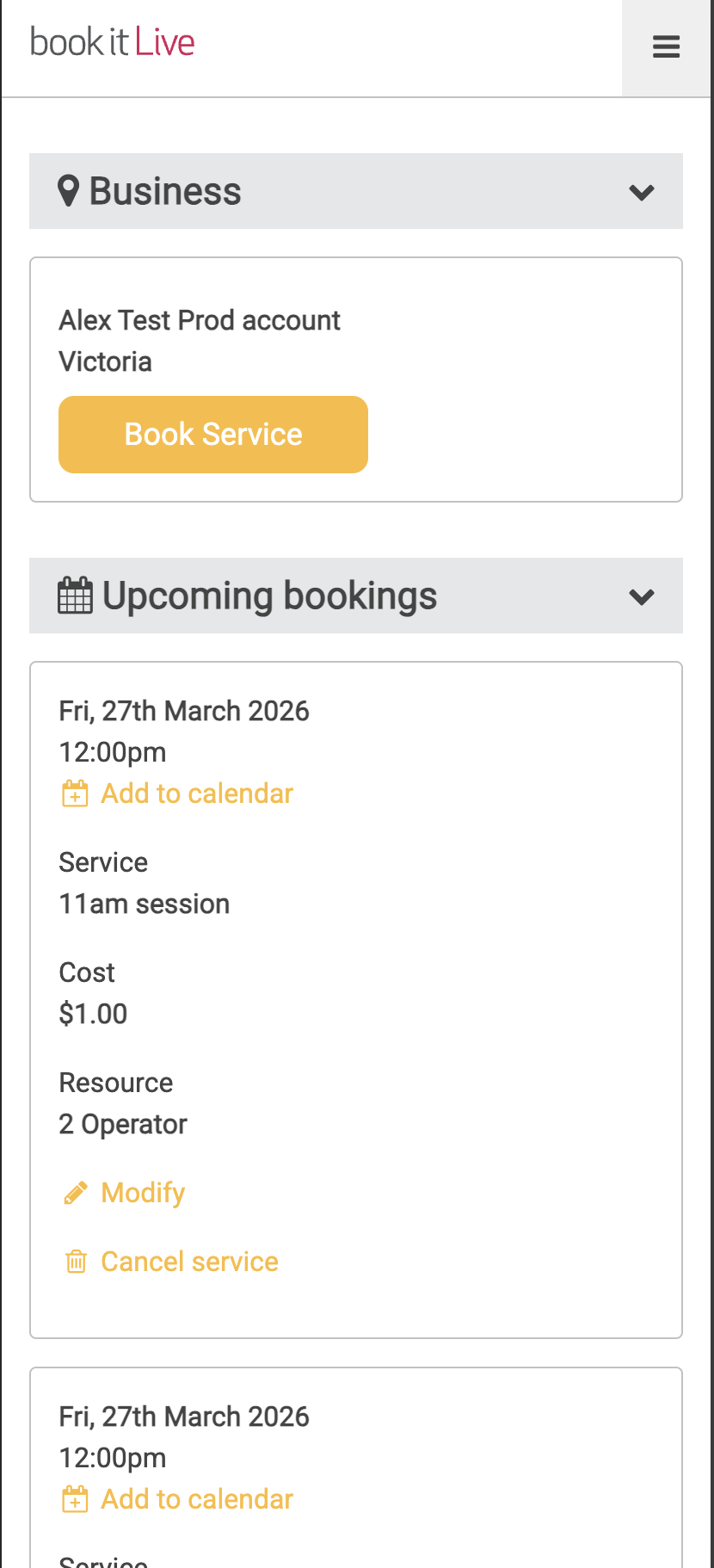
- Your Dashboard will be displayed.
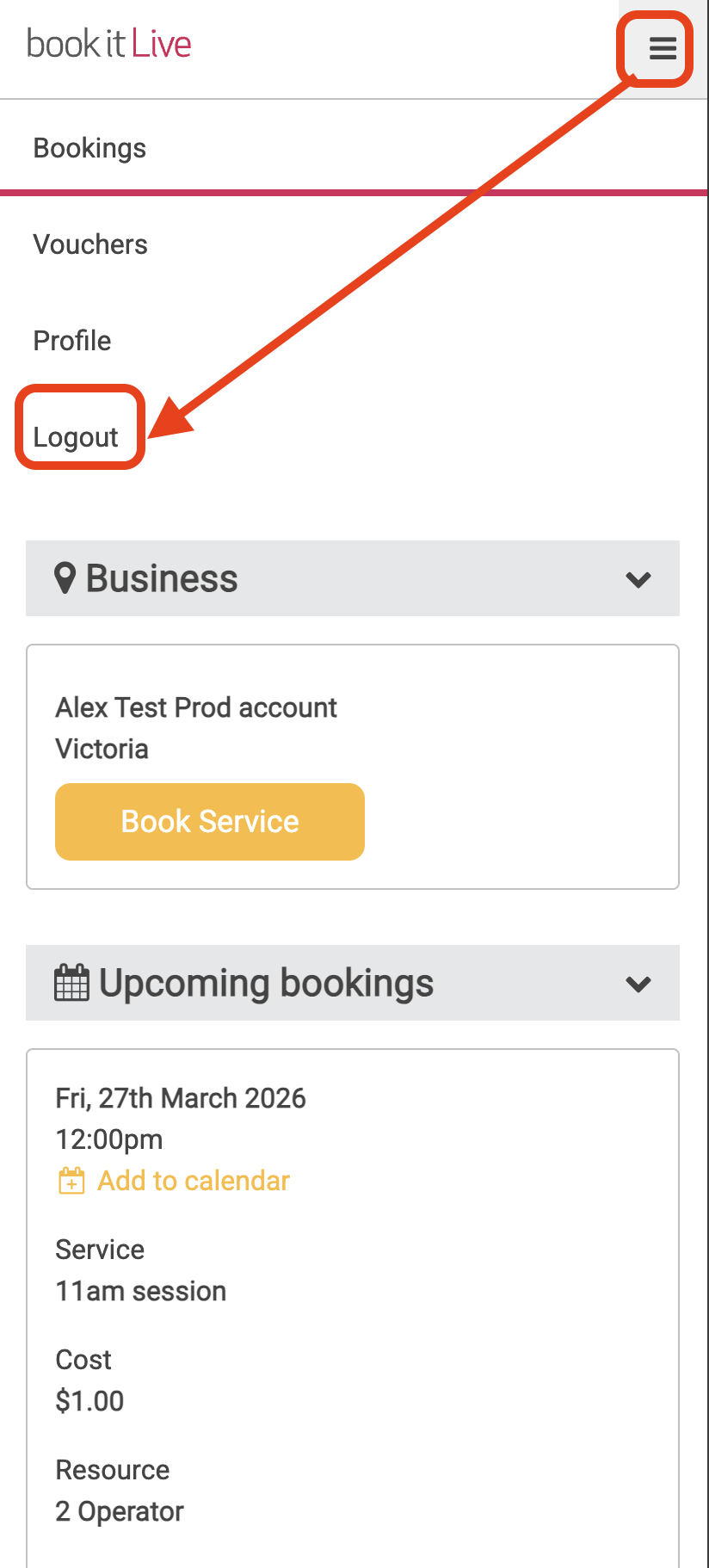
Logout of your bookitLive Dashboard
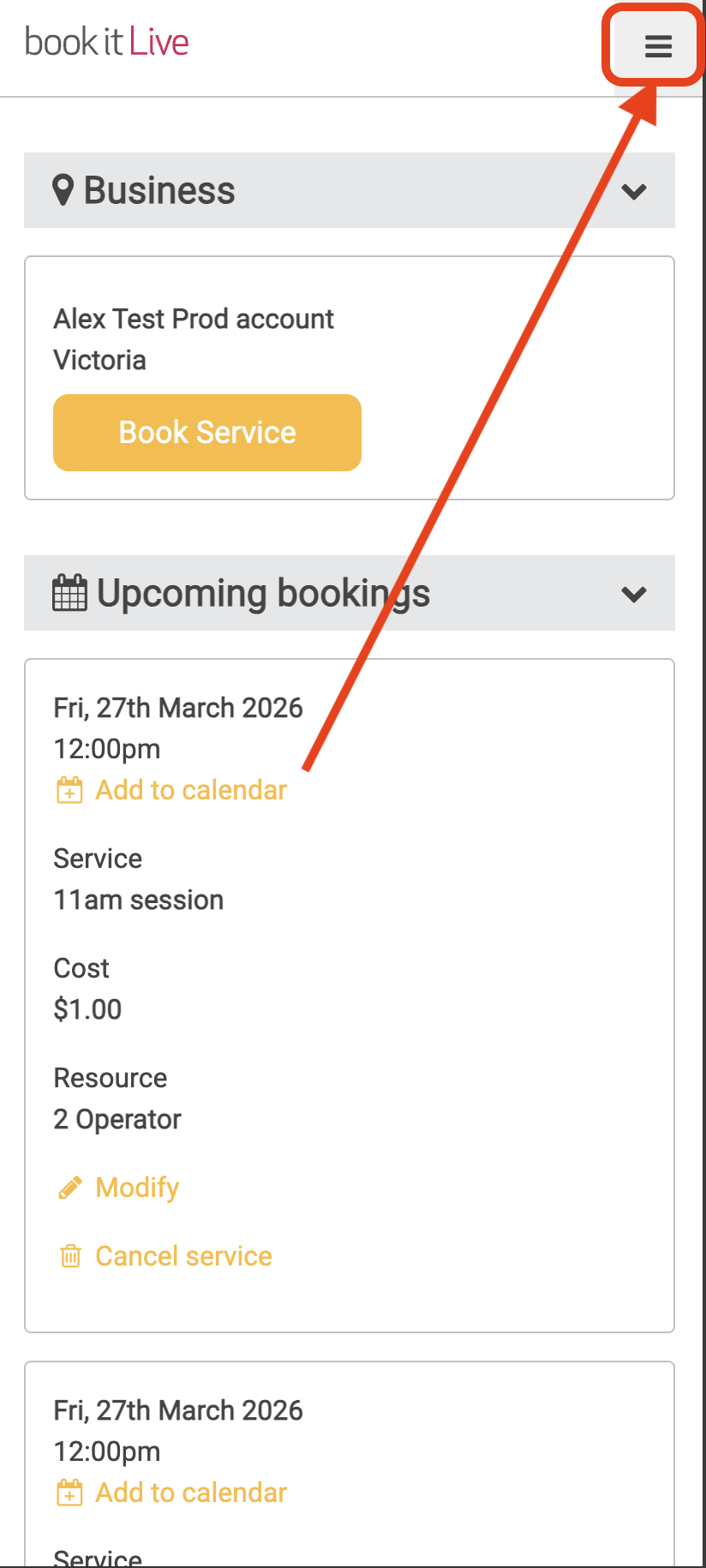
- Select the Menu icon ("≡") at the top right of any Dashboard page.
- Select Log Out.
- End.
Was this article helpful?
That’s Great!
Thank you for your feedback
Sorry! We couldn't be helpful
Thank you for your feedback
Feedback sent
We appreciate your effort and will try to fix the article