A Client/Customer can Modify their own booking by logging on to their Dashboard.
- Login to your dashboard via a link supplied in an email notification or go to the bookitlive home page, using the email address and password used when you made the original booking.
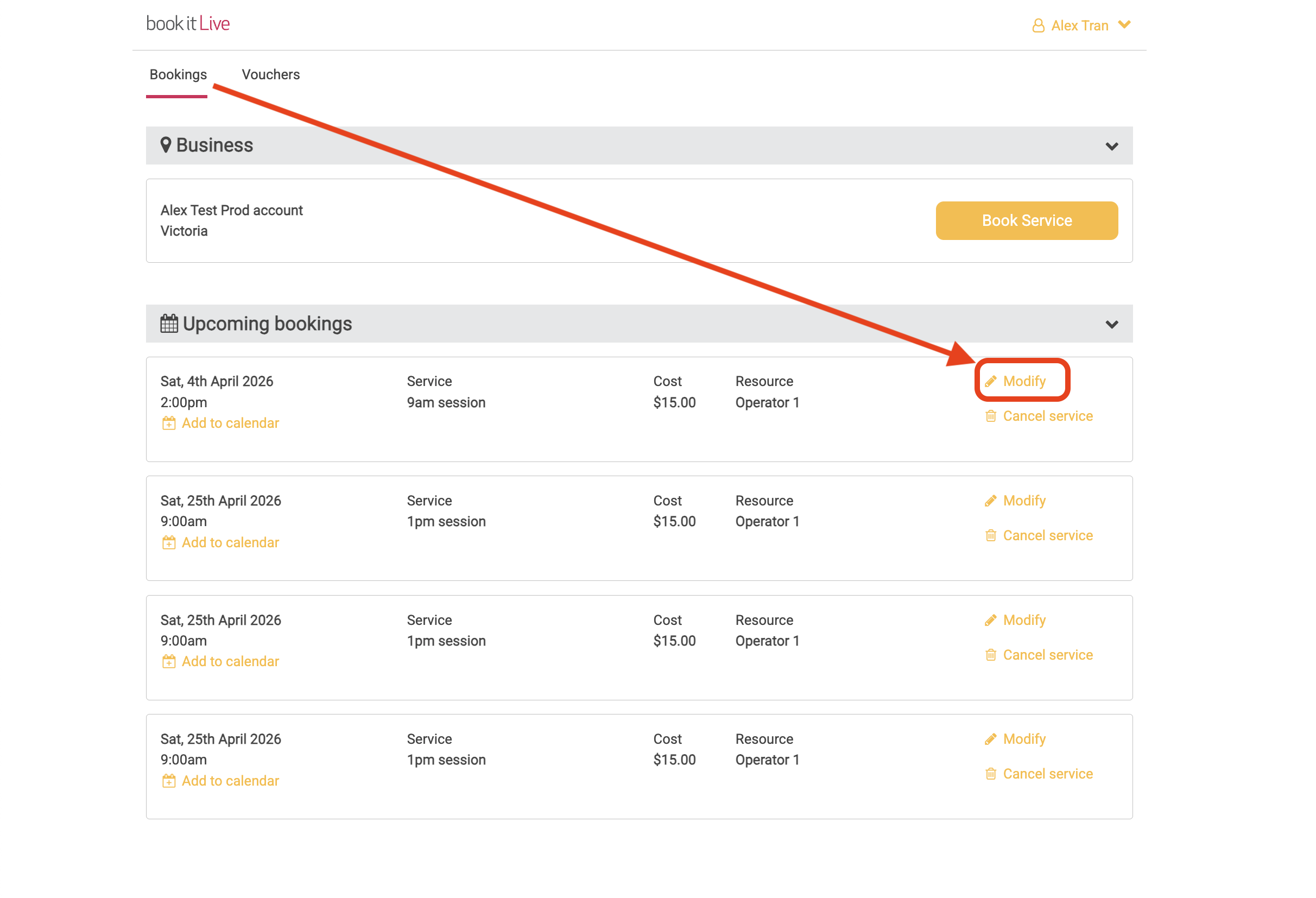
- You future booking will be listed on your Dashboard.
- Select the modify booking link next to the booking to change the booking.
- Select the new date and time
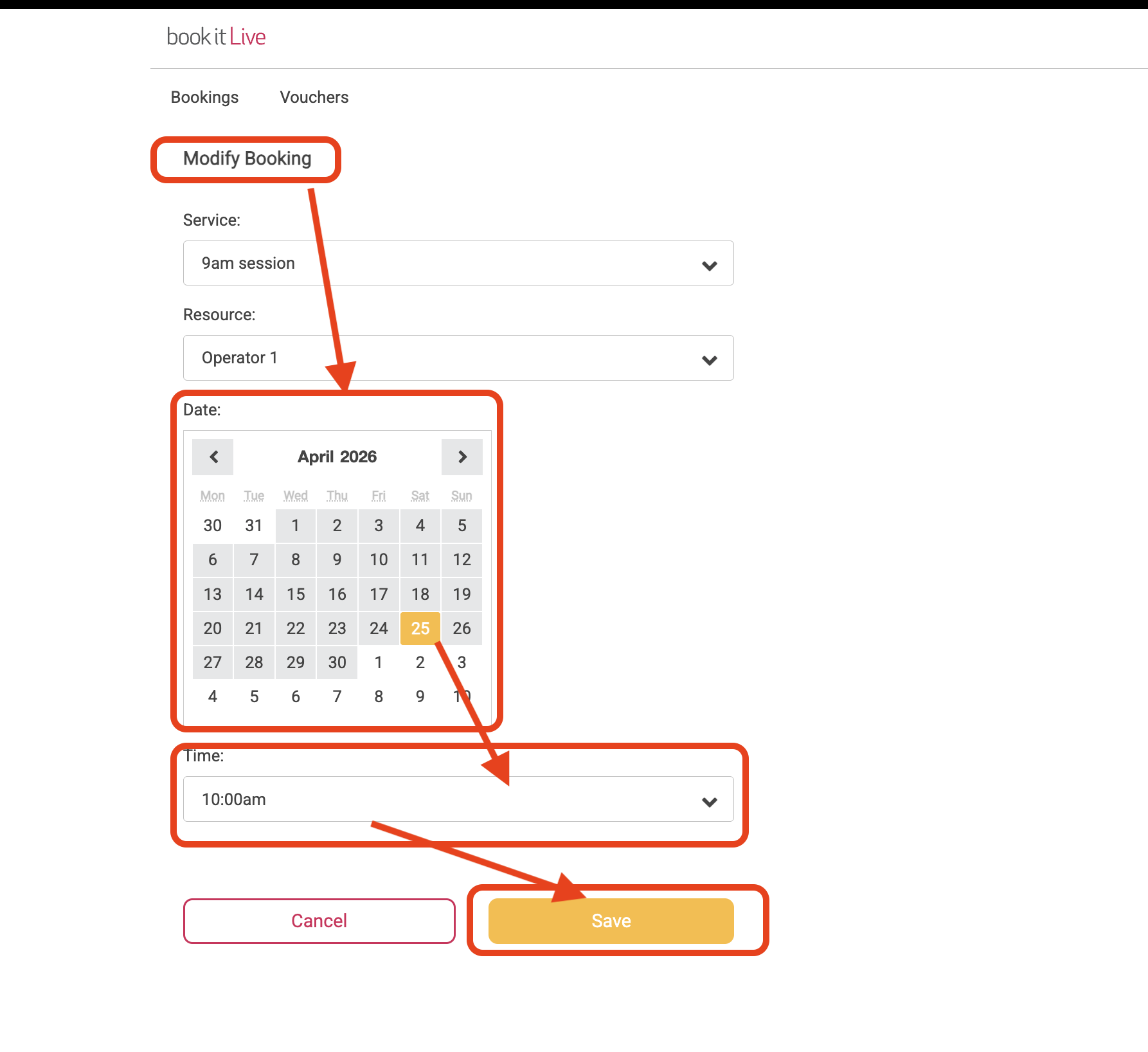
- Save the modification.
- End.
Note: The Business can set booking rules that will restrict booking from being Modified within a set period prior to the booking time. When these rules apply there will be no "Modify Booking" link displayed against the booking.
Note: If a Client made a booking as a guest, they will need to retrieve a password so they can logon to their Dashboard. Use the "Forgotten password?" link from the login page to retrieve a password.
Was this article helpful?
That’s Great!
Thank you for your feedback
Sorry! We couldn't be helpful
Thank you for your feedback
Feedback sent
We appreciate your effort and will try to fix the article