bookitlive can be added to your Home Page on a iPhone or iPad.
- On your iPhone/iPad, go to a https://bookitlive.net/ page in Safari
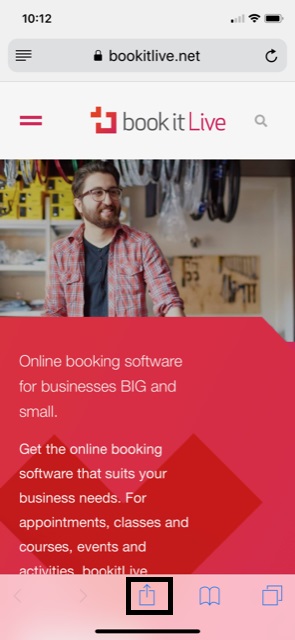
- Tap

- Tap Add to Home Screen
-
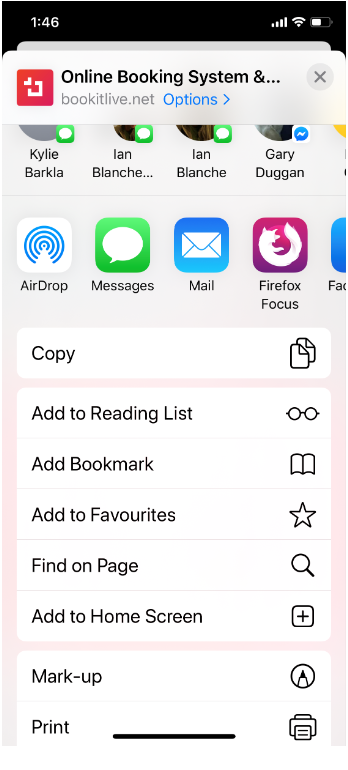
- Enter bookitlive as the name for the icon
- Access bookitlive from your home screen by tapping the bookitlive icon
Was this article helpful?
That’s Great!
Thank you for your feedback
Sorry! We couldn't be helpful
Thank you for your feedback
Feedback sent
We appreciate your effort and will try to fix the article